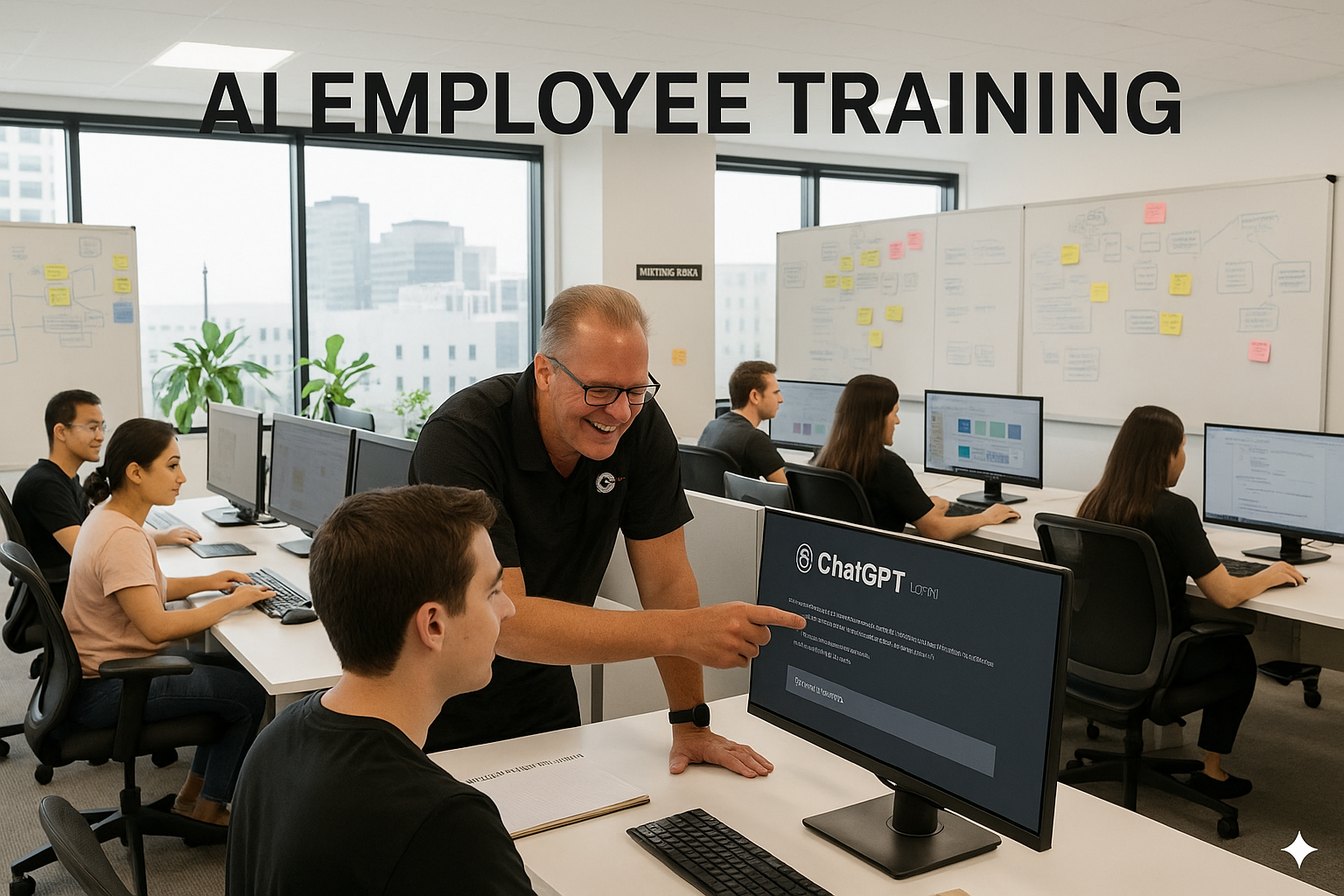
Online AI Training
for Business Teams
A practical guide for Canadian business owners and managers who want better workflows, clear policies, and measurable adoption — not just another course.
Online AI Training Should Do More Than Teach Features
Strong training connects AI skills to your team's real tasks and sets boundaries so people know what is — and isn't — appropriate to share with AI tools.
AI Fundamentals
What generative AI is, what it does well, and where it fails — explained simply, without jargon.
Prompting for Outcomes
How to get consistent results using clear context, structured examples, and practical constraints.
Verification Habits
How to fact-check, validate, and cite AI outputs before using them in real work.
Data Handling
What counts as sensitive data, what not to paste into chat tools, and safe alternatives.
Workflow Integration
How to use AI for drafts, summaries, templates, and analysis without adding extra steps.
Team Standards
Prompt libraries, review steps, naming conventions, and quality guidelines your whole team follows.
AI Training Isn't Just for IT
When everyone gets the same generic course, adoption is uneven. When training matches the job, it sticks. Here's how each role benefits.
- Response drafts & tone alignment
- Knowledge base articles
- Call summaries
- Prospect research frameworks
- Email variations
- Objection handling scripts
- SOP drafts & process maps
- Checklists
- Meeting summaries
- Interview question banks
- Job posting drafts
- Candidate communication templates
- Decision memos
- Strategy outlines
- Internal communications
- Governance & tool selection
- Account controls
- Usage policies
Why Small Businesses Get the Biggest Lift
Even small improvements compound across roles. The most common wins come from speed, consistency, and reducing blank-page work.
Faster First Drafts
Emails, proposals, and internal docs start with a solid baseline — not a blank page.
Consistent Writing
Tone and structure become easier to standardize across every team and channel.
Better Knowledge Flow
Meetings and notes become more usable with AI-generated summaries and action items.
Stronger Onboarding
AI-assisted SOPs and checklists reduce tribal knowledge and speed up new hire ramp.
Less Rework
With standards and verification steps, outputs improve and errors drop over time.
Measurable Adoption
Shared prompt libraries, review workflows, and templates you can track and improve.
Rules Your Team Can Actually Follow Under Pressure
People don't need a legal lecture — they need clear, repeatable guidance. These are the safety basics every AI training program should include.
🚫 No Sensitive Data
Never paste customer personal data, payment info, passwords, private HR details, or confidential contracts.
⚠️ Assume Outputs Can Be Wrong
Require a quick verification step for facts, numbers, and claims before using or sending them.
🔐 Approved Tools Only
Keep work in the right environment. Avoid personal accounts for anything business-related.
📄 Document Acceptable Use
What tasks are allowed, which require approval, and what is explicitly prohibited.
For deeper risk thinking, the NIST AI Risk Management Framework is a practical reference even for non-enterprise teams.
A Simple Prompt Structure Anyone Can Repeat
"Prompt engineering" doesn't have to be complicated. Teach your team one clear format and results become consistent, reviewable, and reusable.
Audience: "Who is it for and what do they care about?" // e.g. Non-technical buyer
Context: "What background or constraints matter?" // e.g. Policy, tone, situation
Format: "Bullets, table, email, script, checklist?" // e.g. Short email with bullets
Quality bar: "Tone, length, do/don't rules, examples." // e.g. Under 150 words, no promises
Verify: "Ask for assumptions & items to confirm." // Always check before sending
What to Practice in Week One
Early momentum matters. Start with high-impact, low-risk patterns that apply across all roles — they teach people how to think with AI, not rely on it blindly.
How to Choose the Right AI Training Course
Choosing training is less about "best course" and more about fit. Use criteria that match your team's goals — if your goal is adoption, avoid programs that stay theoretical.
Team Training vs Self-Serve vs In-House Learning
If your goal is to upskill employees quickly and safely, you typically have three paths. Here's how they compare.
| Option | Best For | Strengths | Limitations |
|---|---|---|---|
| Self-serve online courses | Independent learners | Flexible pacing; broad topic coverage | Often generic; uneven adoption; limited policy alignment |
| Team-based online AI training Recommended | Businesses wanting consistent workflows | Shared standards; practical use cases; faster alignment | Requires coordinated scheduling and internal follow-through |
| In-house DIY learning | Teams with internal AI champions | Highly tailored to your tools and processes | Slower; inconsistent quality; depends on a few people |
How to Implement AI Training Without Chaos
Training works when it's treated like a change initiative, not a one-time event. Keep it simple, measurable, and repeatable.
Common Questions About Online AI Training
What is online AI training?
Is it worth it for non-technical employees?
How long before we see results?
What should employees never share with AI tools?
Do we need an AI policy before training?
What's the difference between AI literacy and prompt engineering?
Get Your Team from
Zero to AI Hero in 90 Minutes
Practical ChatGPT skills, safe habits, and a reusable prompt library — for every role on your team. No tech background needed.
Enroll Now at JimmyAI.ca