Your Staff.
Using AI Safely.
Every Single Day.
JimmyAI trains Ontario employees to use AI confidently, safely, and ethically in their actual jobs — not in theory. Live, in-person, role-specific training that sticks. Results the next morning, not someday.

Training Isn't the Goal.
These Results Are.
Ontario managers, HR teams, and business owners don't buy AI training — they buy specific outcomes for their staff. Here is exactly what JimmyAI delivers.
Staff Confidence at Work
Employees who understood almost nothing about AI leave the session actively using it — not avoiding it. Confidence is built live, through practice in the room, not through slides.
→ Staff use AI tools independently within 24 hours of training.
Fewer Costly AI Mistakes
Untrained employees make expensive, embarrassing errors — sharing confidential data, publishing hallucinated facts, misusing tools. Training eliminates the guesswork that causes these mistakes.
→ Teams leave with a clear framework for verifying every AI output.
Policy-Safe AI Use
Every session covers Canadian privacy law, data handling boundaries, and how to build internal AI use policies your HR and legal teams can stand behind. Ethics is a core module — not an afterthought.
→ Managers receive a policy-safe AI use framework for their team.
Role-Specific Workflows
Generic AI training teaches concepts. JimmyAI training builds the exact workflows your staff will use for their specific jobs — drafted, tested, and practiced live during the session.
→ Each participant leaves with a custom prompt library for their role.
Real Adoption After Training
Most AI training fails not in the room — but the week after, when nobody uses what they learned. JimmyAI's hands-on methodology and follow-up support is specifically designed to close that gap.
→ Follow-up support included with every session.
Proof the Training Worked
You'll know training worked because your team will demonstrate it — using AI to draft, plan, research, and communicate faster than the week before. Observable, measurable improvement, not a certificate.
→ Real skill built in the room, applied on the job the next day.
Watch How JimmyAI Training
Works for Ontario Teams
See exactly what your staff experience in a live, in-person AI employee training session — and why it sticks.
Specialized Training for Real Workplaces
JimmyAI's AI employee training is purpose-built for Ontario organizations that need staff trained, supported, and actually adopting AI — not just sitting through a presentation.
Business Owners & CEOs
You need your entire team using AI productively and safely. One 90-minute in-person session transforms how your people work — with results visible the next morning.
HR Teams & Managers
Build standardized, policy-safe AI habits across your department or organization. Consistent workflows, documented practices, and measurable adoption — all built in person.
School Boards
JimmyAI has trained Ontario school boards and educators for over 20 years. The same trusted methodology now applied to AI — safe, clear, and built for teaching professionals.
Municipalities & Public Sector
Privacy law compliance, responsible use policies, and ethical AI guidelines matter more in public service. Every session is built to meet those standards, not work around them.
Healthcare Administration
Streamline documentation, patient communication, and reporting workflows — with strict attention to PHIPA compliance and data safety that healthcare demands.
Operations & Admin Teams
Reduce time spent on drafting, organizing, summarizing, and repetitive communications. Practical AI skills your operations staff will use every single day at their desks.
Not sure if JimmyAI training is right for your organization? Call 905-466-1920 — we'll tell you honestly whether our training fits your team, your sector, and your goals before you book anything.
Safe AI Use Isn't
Optional. It's Built In.
Every JimmyAI session treats safety and ethics as core curriculum — not a 5-minute disclaimer at the end. Your employees leave knowing exactly how to use AI responsibly in an Ontario workplace.
Canadian Privacy Law & Data Handling
PIPEDA, PHIPA, and what your employees must never share with AI tools. Every participant understands their obligations before they ever open ChatGPT on the job.
AI Hallucinations & Output Verification
Staff learn how to critically evaluate every AI response — what to trust, what to verify, and how to avoid publishing inaccurate AI-generated content.
Workplace AI Use Policies
Managers receive a practical framework for building or updating your organization's AI use policy — one that protects staff, clients, and your organization's reputation.
Ethical Decision-Making with AI
When is it appropriate to use AI? When is it not? Staff leave with clear judgment criteria for their specific roles — not vague guidelines they'll ignore.
What Your Team Learns.
Module by Module.
A hands-on, role-specific session where your team practices real prompts and builds real workflows — not a lecture they'll forget by Friday.
AI Fundamentals in Plain Language
How AI tools work, what shapes output quality, and why most employees use AI poorly without knowing it. Zero jargon, zero technical background assumed.
Expert Prompt Engineering
Proven frameworks — Chain-of-Thought, Role-Based, Few-Shot — that consistently produce accurate, on-brand, useful results for your specific team's work.
Real Workplace Use Cases
Customized to your industry and roles: drafting, planning, summarizing, reporting, client communication. Every example reflects your team's actual work.
Safe & Ethical AI Use
Canadian privacy law, hallucination management, confidential data handling, and workplace AI policy. Not an afterthought — a full core module.
Building Role-Specific AI Tools
Custom GPTs and AI workflows built around your team's specific functions — tools they own and use every day, not a demo they'll never touch again.
Live Guided Practice & Adoption Plan
Employees apply everything in real time — building prompts, testing outputs, and leaving with a complete personal workflow and a day-one adoption plan.
Zero tech experience required. No coding. No paid accounts needed. No prior AI knowledge. JimmyAI training is built for the employees who said "AI isn't for me" — and leaves them using it confidently the next morning.
Live In-Person AI Training — Ontario Businesses, School Boards & Municipalities
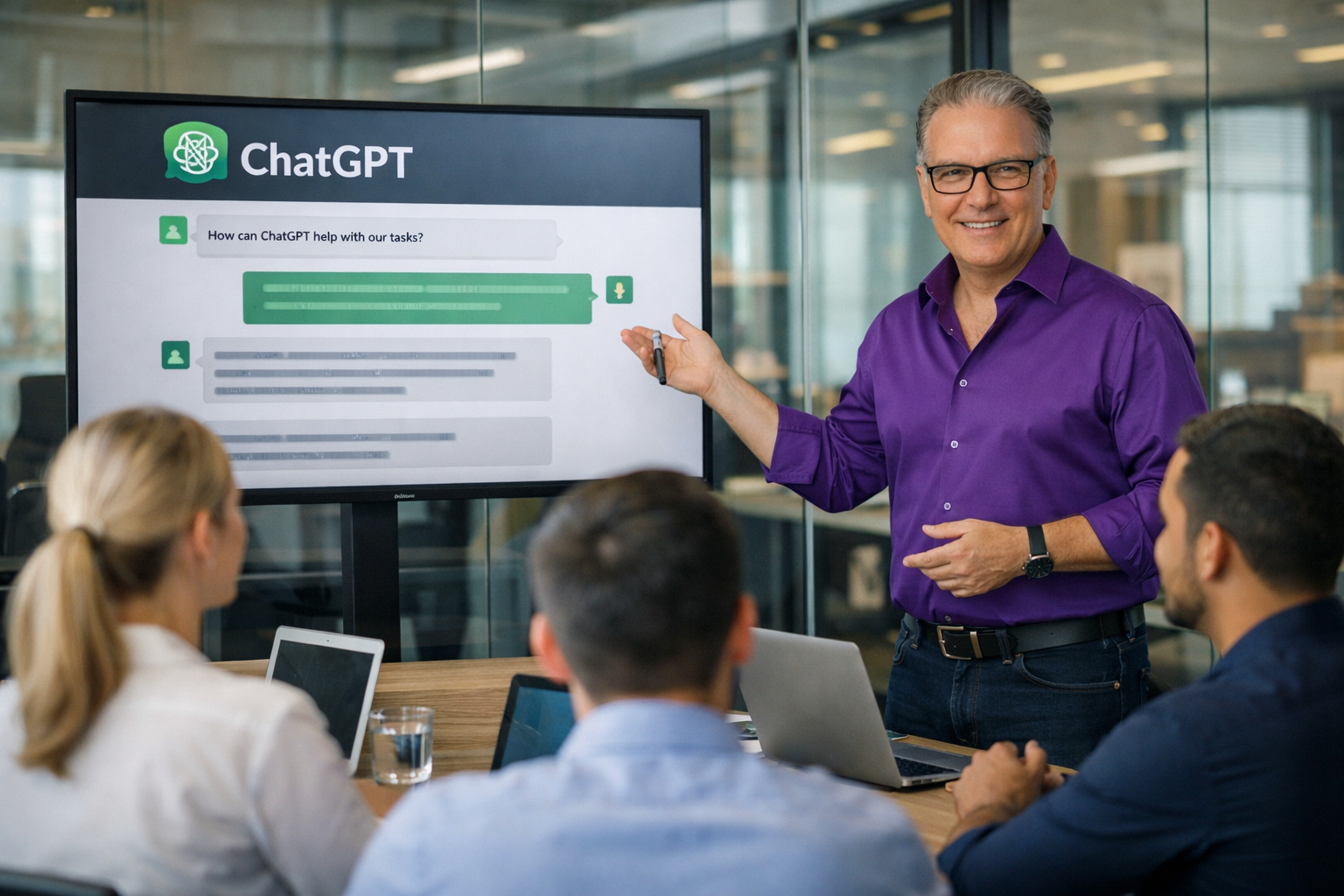
Invest in Your Team.
See It Back Immediately.
All sessions are 90 minutes, live, in-person at your Ontario location, and fully customized to your team's roles. No ongoing subscription. No hidden costs.
Up to 10 Staff
- 90-min live on-site session
- Role-specific content customization
- Safe & ethical AI use module
- Hands-on practice with real prompts
- Policy-safe use framework
- Follow-up support included
Up to 20 Staff
- 90-min live on-site session
- Role-specific content customization
- Safe & ethical AI use module
- Hands-on practice with real prompts
- Policy-safe use framework
- Follow-up support included
Up to 30 Staff
- 90-min live on-site session
- Role-specific content customization
- Safe & ethical AI use module
- Hands-on practice with real prompts
- Policy-safe use framework
- Follow-up support included
AI Employee Training
Across All of Ontario
JimmyAI delivers live, in-person AI workforce training to businesses, school boards, municipalities, and organizations across Ontario — wherever your team is.
Don't see your city? We travel province-wide. If your organization is in Ontario, we come to you. Call 905-466-1920 to confirm your location and get a travel quote.
Ontario's Specialized
AI Workforce Training Provider
Across Ontario, organizations in manufacturing, professional services, healthcare, education, retail, real estate, and municipal government are embedding AI into daily operations at a pace that has no precedent. The businesses and public sector bodies that see real, measurable returns from AI share one thing in common: their staff were properly trained by someone qualified to teach it.
The gap between employees who use AI well and those who use it poorly — or not at all — is not about intelligence or technical skill. It is about training. Specifically, in-person, role-specific, outcomes-focused training that builds habits your team actually keeps when they get back to their desks Monday morning.
AI Employee Training That Actually Sticks
JimmyAI's sessions are built around a single principle: skills used the next day. Every session is customized to your industry, your staff roles, and the real challenges your team faces. A training session for a Hamilton manufacturing manager looks nothing like one for a Burlington real estate brokerage or a Niagara region school board administrator — because they shouldn't. Generic training teaches concepts. JimmyAI training builds habits.
Safe AI Use & Ethics at the Core
Safe, ethical AI use is not a module JimmyAI adds at the end. It is woven into every session from the opening. Ontario workplaces — especially school boards, municipalities, and healthcare organizations — have privacy obligations, reputational responsibilities, and public trust standards that demand more than "use AI carefully." Your staff leave JimmyAI training with specific, actionable guidance on what to use AI for, what to never share with it, how to verify what it produces, and how to build internal policies that HR and legal can stand behind.
Who Buys AI Employee Training in Ontario
- Business Owners & Executives — One 90-minute session transforms how an entire team works. The ROI is visible immediately in time saved on drafting, research, communications, and planning tasks.
- HR Managers & People Leaders — Build standardized, policy-safe AI habits across your organization. Measure adoption, document best practices, and protect your organization from liability.
- Ontario School Boards — JimmyAI has delivered training to Ontario school boards for over 20 years. The trust, clarity, and patience that made those programs effective is exactly what your teaching and admin staff will experience.
- Municipal & Government Organizations — Public sector organizations need AI training that respects MFIPPA, PHIPA, and ethical public service standards. JimmyAI understands these requirements and builds them into every session.
- Healthcare Administration Teams — Streamlined documentation and patient communication with strict privacy compliance. Your admin staff use AI effectively without ever creating a compliance risk.
- Marketing, Sales & Customer Teams — Proposals, email sequences, client communications, and research generated faster — with on-brand quality and the judgment to know when to edit before sending.
20+ Years of Training Excellence in Ontario
Trainer Jim Jordan has been delivering training to Ontario School Boards and educational institutions for more than two decades. The same teaching methodology — patient, clear, practical, focused on immediate application — that made those programs trusted and effective is now applied to AI workforce adoption for Ontario businesses and public sector organizations.
Hundreds of Ontario employees who walked into a JimmyAI session convinced that "AI isn't for someone like me" have left building prompts, creating workflows, and training their own colleagues within days. That outcome is not accidental — it is the result of an instructional approach built around adult learning, real workplace context, and 20 years of experience delivering training that sticks.
The honest bottom line: Your staff are already using AI tools — with or without training. Untrained employees make costly, embarrassing, and legally risky mistakes with AI. Trained ones save hours every week and build a compounding advantage your organization keeps forever. The cost of one in-person JimmyAI session is recovered the first month. Book before your dates fill.
Frequently Asked
Questions
Everything Ontario business owners, HR managers, school boards, and municipalities ask before booking their AI employee training session.
Train Your Team.
The Right Way.
Starting Now.
Your staff are already using AI. The only question is whether they're using it well — safely, ethically, and productively. JimmyAI closes that gap in 90 minutes, live, at your location, anywhere in Ontario.
AI Employee Training · Safe · Ethical · Role-Based · Ontario Province-Wide
Toronto · Hamilton · Niagara · Burlington · Ottawa · London · School Boards · Municipalities